Lumn
Ambient lighting for your Mac, that syncs with all your songs — see your lights react every beat
One-time purchase · macOS 14 or later · Apple silicon
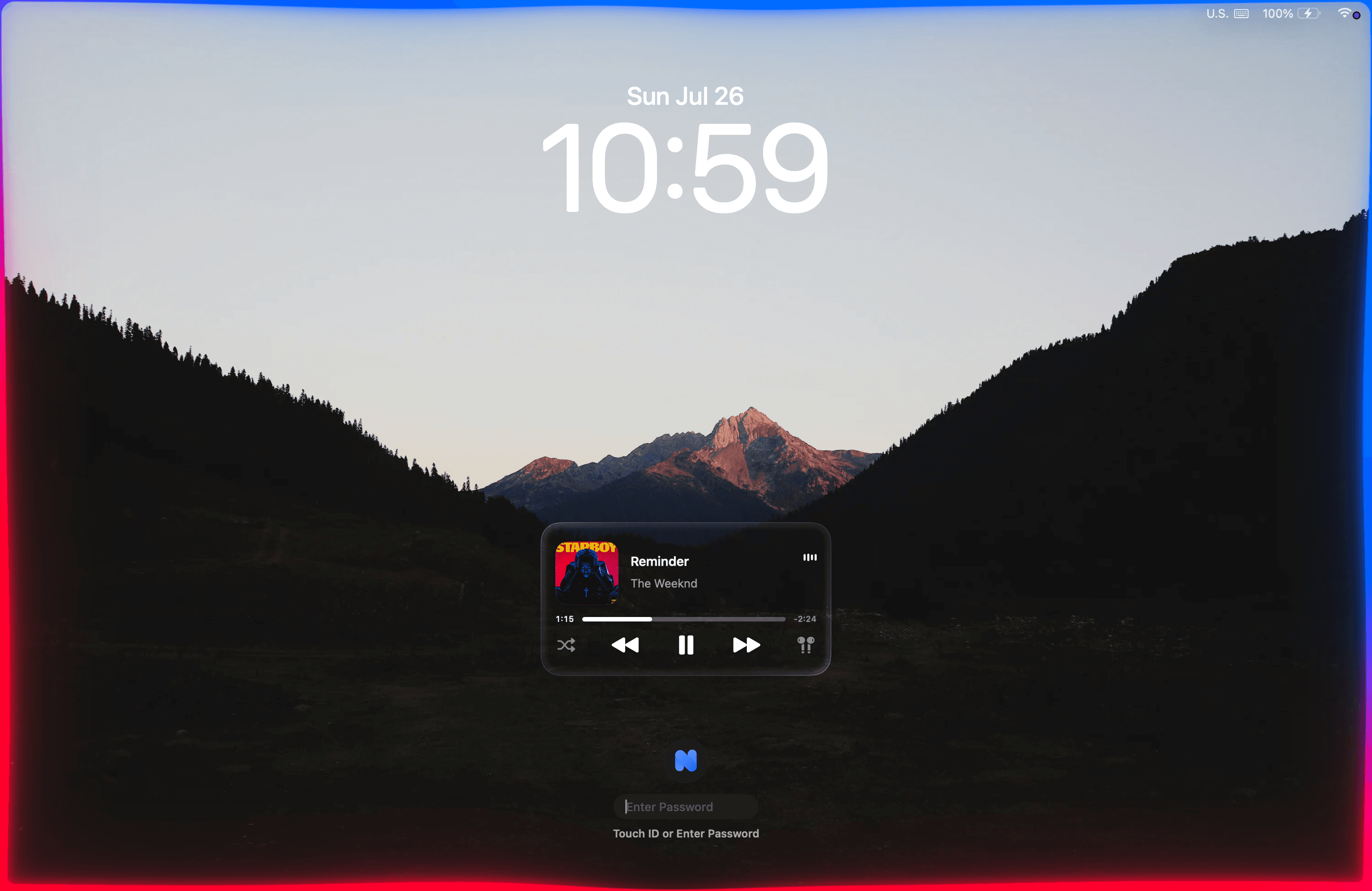
Make it yours
Make your Mac
your mood.
Every part of the light is yours to move — the color it throws, whether it dances or holds still, how far it spills, how thick it sits.
Lumn
Primary 60%
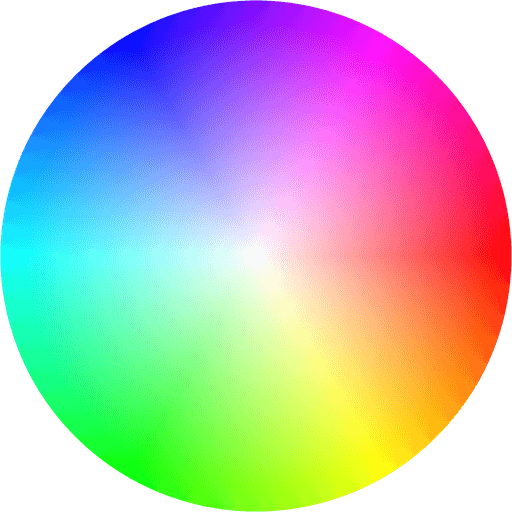
Secondary 40%
Display
Any color you like
Pick a palette by hand, or let Lumn read what's on screen and follow it.
Move, or stay still
React to every beat, or hold one steady idle glow and forget it's there.
Dial the glow
From a whisper along the bezel to a wash that fills the whole room.
Set the thickness
A hairline of light, a broad band, or anything between the two.
Five minutes
Install in five steps
No installer, no account. Download it, drop it in, grant one permission, and let it glow.
Auto-updates via Sparkle- 1
Download the app
Grab Lumn-1.1.dmg and open it.
- 2
Move to Applications
Drag Lumn.app into your Applications folder.
- 3
Open & allow system audio
Launch Lumn and let it listen to your Mac's system audio when macOS asks. Never your microphone.
- 4
Activate
Paste your license key into the menu to unlock.
- 5
Press play
That's it — your screen starts glowing. Tune it from the menu bar.
FAQs
Good questions
Lumn turns the edges of your Mac's display into ambient rim lighting that reacts to whatever's playing in Music or Spotify — color follows the album art, motion follows the beat. It also adds a liquid-glass now-playing card on your lock screen.